POV = POINT-OF-VIEW · FILM, GAMES & IMMERSIVE MEDIA
POV video.
First-person
stories.
POV stands for Point-of-View. A field guide to first-person storytelling. From cinema and first-person games to camera glasses and spatial worlds, discover what happens when the audience steps inside the story.
Explore the field guide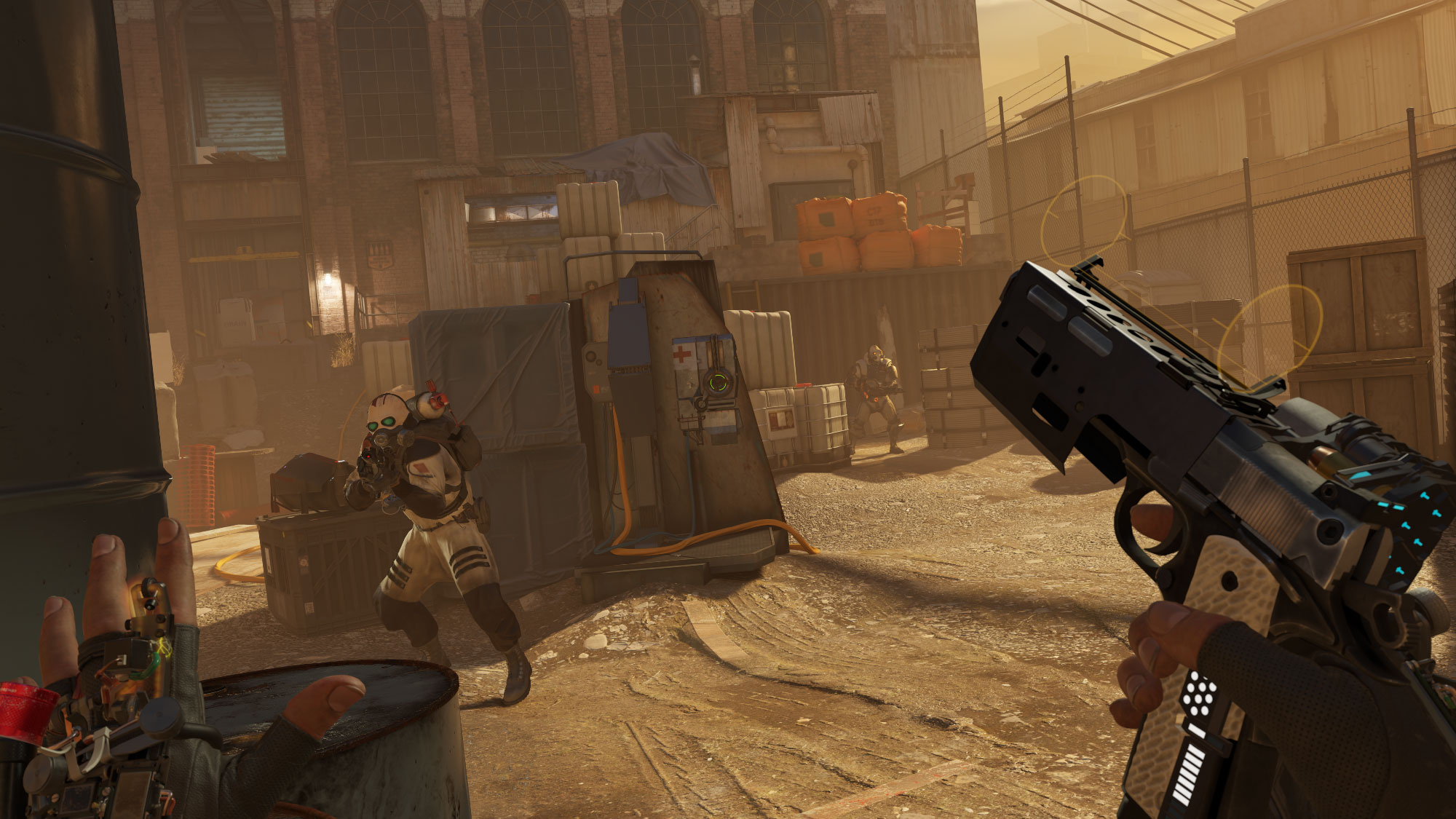
THE FIELD GUIDE / CHOOSE A PERSPECTIVE
Follow your
curiosity.
Each chapter is its own page. Explore the craft, the technology and the stories that make a viewpoint matter.
Start with perspective
How a viewpoint becomes a story.
02 / STORY LANGUAGEThe language of presence
Hands, sound, framing and the world beyond the image.
03 / THE GLASSESKnow your medium
Understand camera glasses, displays and augmented reality.
04 / THE MAKINGCreator’s field notes
Plan, capture and edit a first-person story.
05 / PRODUCTIONFrom moment to film
A practical workflow before, during and after recording.
06 / STORY IDEASStories to step into
Creative directions for places, products and participation.
07 / THE CINEMACinema from the inside
Six studies in subjective filmmaking.
08 / THE GAMESWhy the camera changes
Cutscene direction and games that stay first-person.
09 / VR STORIESA story you stand inside
Alyx, Lone Echo, Red Matter 2 and Moss.
10 / THE HISTORYThe “I” has a history
From literary narration to immersive computing.
11 / THE STUDIOMake the next perspective
Explore a project with Munchingsquare.
12 / QUESTIONS & PRIVACYUseful answers
Technology, storytelling and recording people in public.
SOURCE MATERIAL / CLOSE READING
Three ways to inhabit a story
Compare a cinematic viewpoint, an interactive scene and an embodied virtual world. Use these examples as starting points for the chapters below.
Observe how a wearable camera rig and effects work support the film’s subjective viewpoint. This production featurette combines behind-the-scenes footage and edited film material; its own camera is not continuously first-person.
Video: Cameraptor · 2016Watch the performance discussion from 19:32. Consider how characters, animation and staging communicate narrative while the player remains inside the scene. The documentary itself uses conventional edited coverage.
Video: Valve · 2024Look for the relationship between hands, objects and personal space. Compare interaction in the virtual world with the edited presentation used to introduce it.
Video: Valve · 2019Select a preview to play the video here.