Editorial field guide5 min readUpdated 3 October 2026
Contents and media references
Have an idea for an augmented reality story, exhibition or interactive experience?
Munchingsquare is a creative technology studio. Its augmented reality projects connect physical objects and locations with digital stories, explanations and interactions. The examples below come from the studio’s own published AR portfolio.
Bring the audience, the setting and the story you want to tell. Explore the studio’s work and start a conversation about the right creative and technical approach.
Creative technology for the worlds we live in, and the ones we imagine.
AUGMENTED REALITY / STUDIO PROJECTS
AR projects from Munchingsquare
Four published projects show how augmented reality can support an exhibition route, a physical model, a museum learning experience or a short brand story. These case studies offer different starting points for an AR brief.
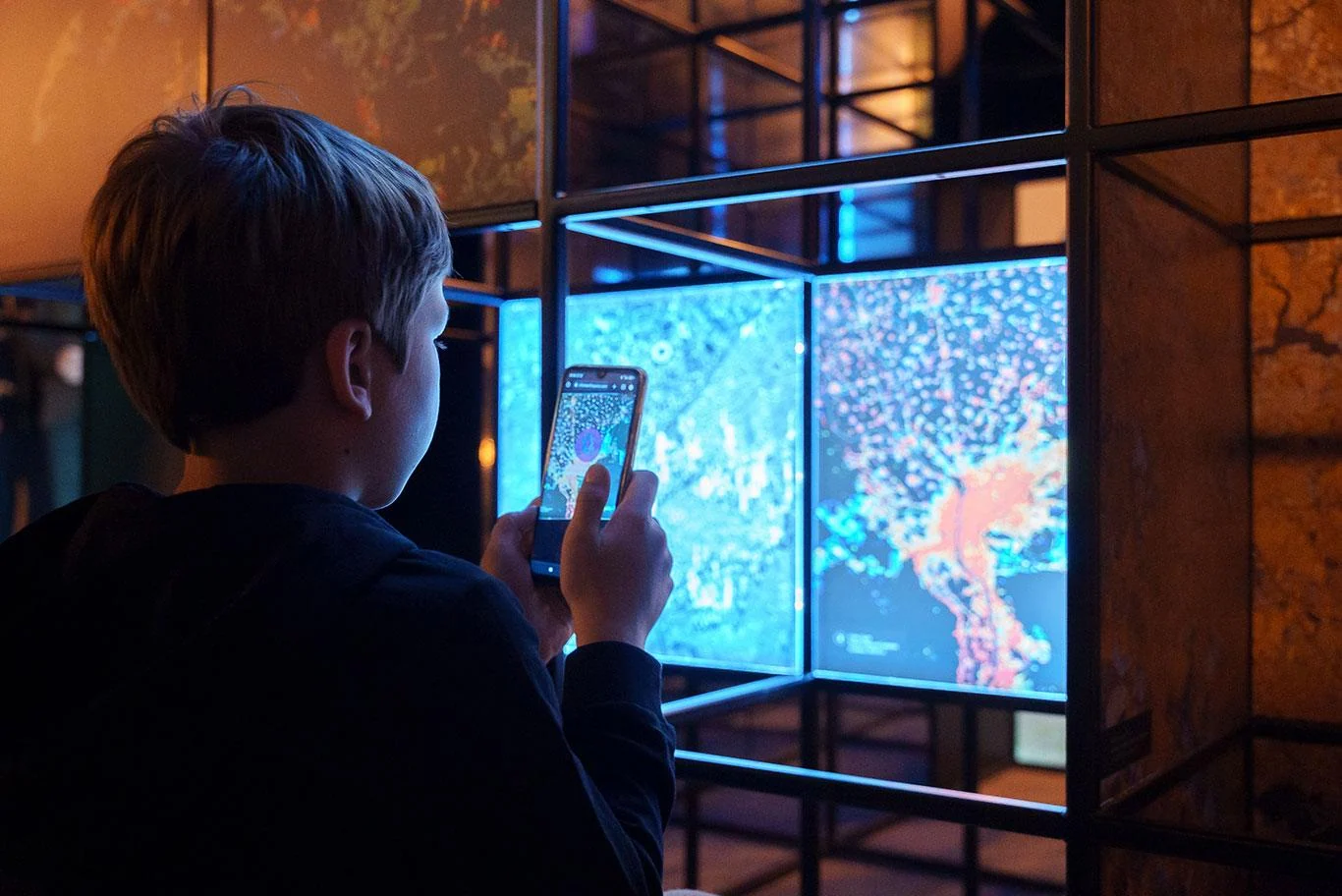
An exhibition in central Lublin used smartphone AR to add information and visualisations about satellite observation. Munchingsquare delivered the augmented layer through WebXR with 8th Wall and PlayCanvas. The physical route gives the visitor a sequence; each phone interaction reveals another layer of the subject.
For a story brief, decide what the location communicates before the screen adds anything.
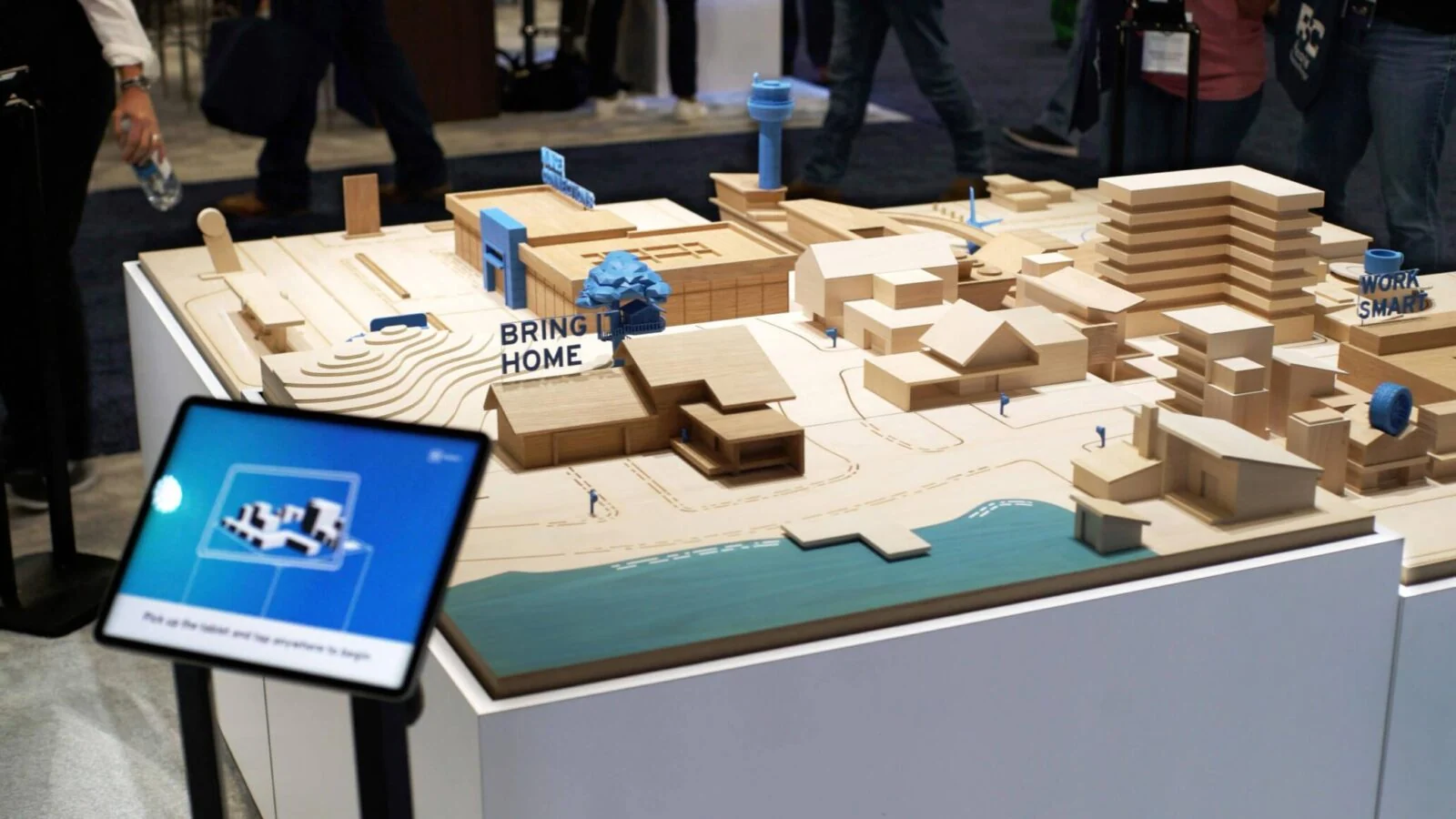
A portable table combines a physical scale model with a registered digital layer. Munchingsquare provided technical direction, with particular attention to stable alignment and transport between events. The model gives visitors a shared reference while the AR content develops the brand narrative.
Plan how the audience will connect a digital explanation to a specific physical object.
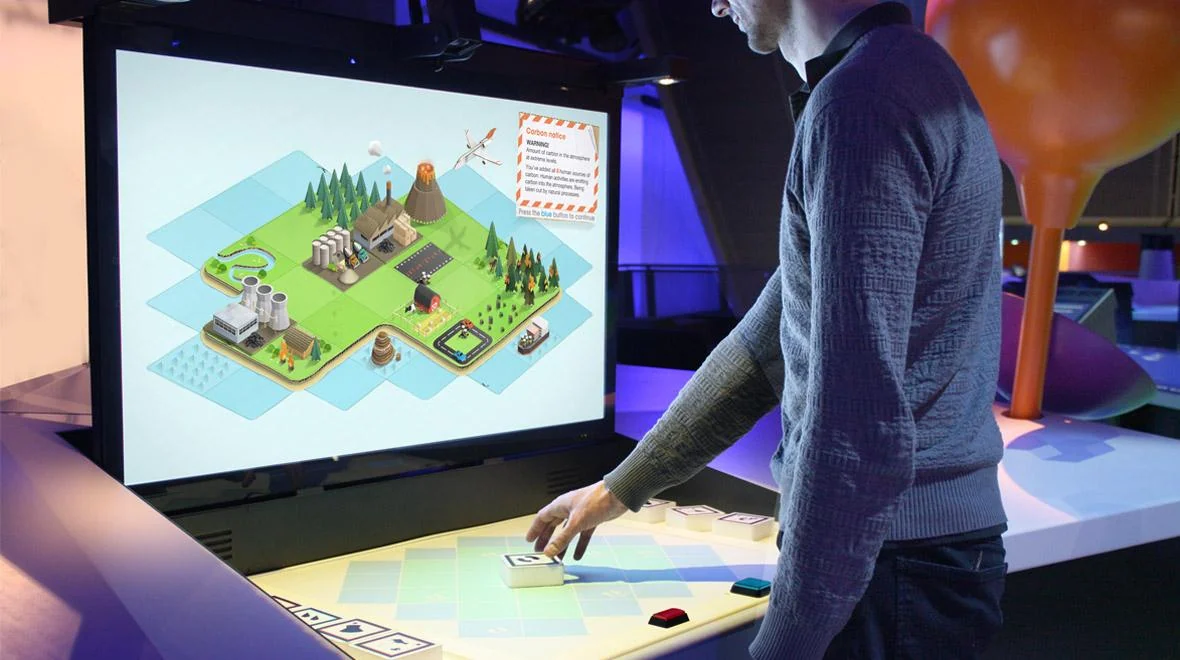
Created for the Science Museum’s Atmosphere gallery in London, this installation lets visitors move physical AR blocks representing parts of the carbon cycle. Those movements change an animated digital environment in real time. The interaction makes a complex system something visitors can explore through action and feedback.
Give each action a visible consequence so the audience can understand the system.
Paddington Bear AR activation for Heathrow Express
HEX AR: Every Bear on Time
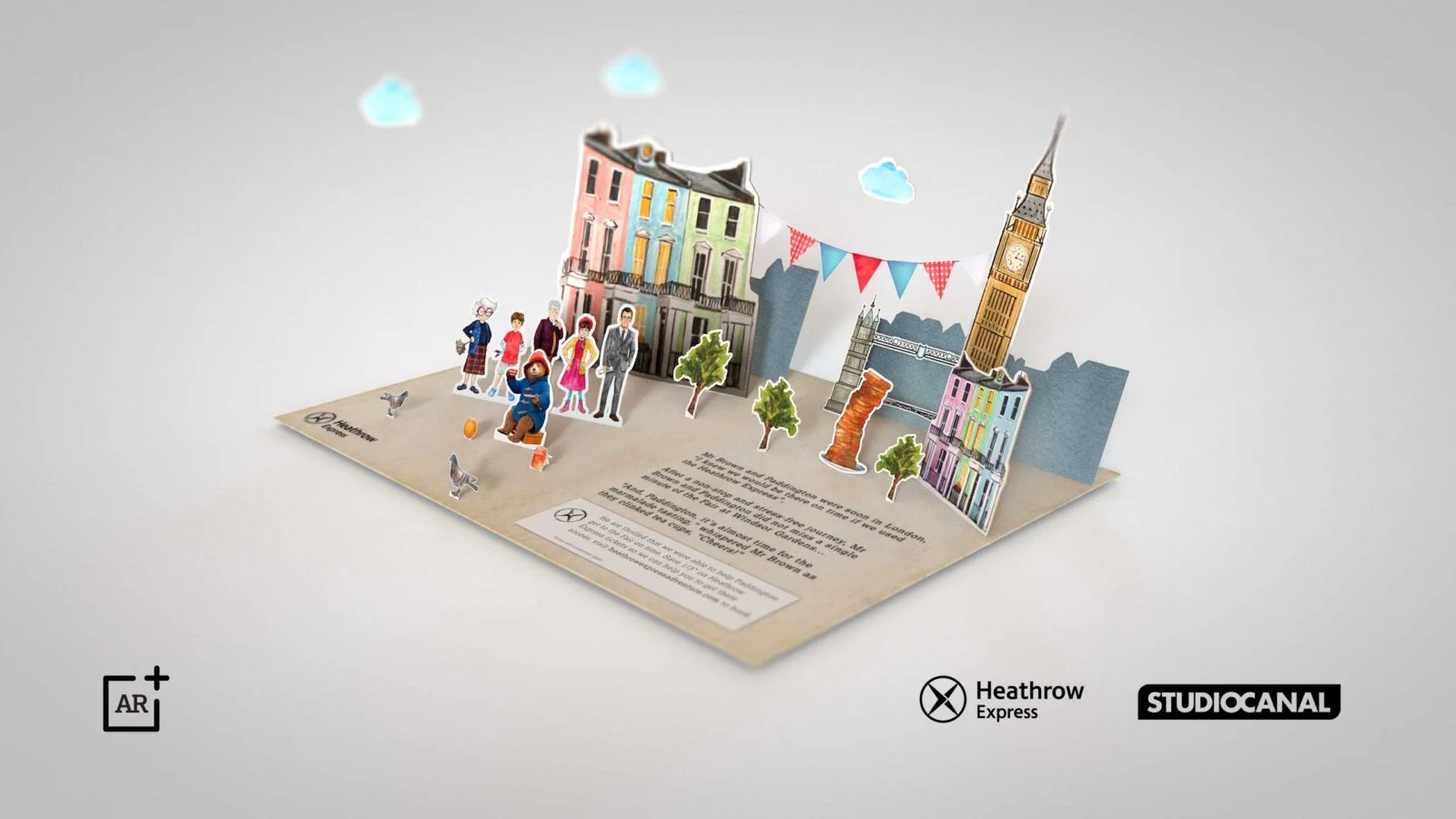
This 2019 Heathrow Express activation connected a postcard to a Paddington-themed AR pop-up book on passengers’ phones. Screens in a JFK airport lounge introduced the experience. It was built as a Facebook Spark AR filter, an example of a historical campaign using a physical prompt to start a digital story.
Make the invitation clear and keep the first interaction short enough for the setting.
Develop an immersive storytelling brief
A useful first conversation begins with the audience and the situation. Are visitors passing through an exhibition, joining a guided experience, watching a finished film or interacting with a wearable interface? Explain what they should understand or feel by the end. The right medium follows from that intention, the setting and the practical limits of delivery.
What to bring to the brief
Describe the audience, the location, the central action and the desired output. Identify available objects, archive material, performers or spaces. Explain whether the project needs a standalone video, an interactive prototype, a live installation or a combination. Include accessibility requirements and any venue constraints early, because they affect how a story can be staged and encountered.
Examples from the studio’s published work
The AR examples above share a connection between a physical setting and a responsive digital layer. Direction Earth/Space uses a city route; GM Energy uses a model; Carbon Cycle AR uses movable blocks; Every Bear on Time begins with a postcard. Choose a project reference because its audience, setting and interaction help explain the brief you want to develop.
For a museum concept, prototype one object and one visitor action. For a wearable process film, test one task at the actual location. For an interactive narrative, build one meaningful decision and show how it changes the experience. A small prototype makes the creative intention easier to evaluate and reveals practical problems before a larger production is planned.
Connect the experience to its documentation
Decide how the project will be demonstrated to people who cannot attend. A first-person film can document one participant’s route, while an external view can explain the installation. An interactive experience may need both. Keep descriptions accurate so the audience understands whether they are watching a recording, a proposed visualisation or an experience they can enter themselves.